Vendors need access to view and send the Project documents. This section describes the steps to add a vendor to the Supplier List.
| Step | Action |
|---|---|
| 1. |
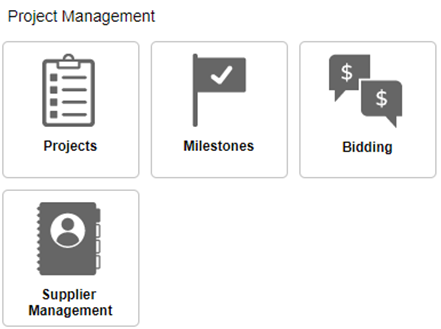
Navigate to the Function Dashboard, then click Projects. |
| 2. |
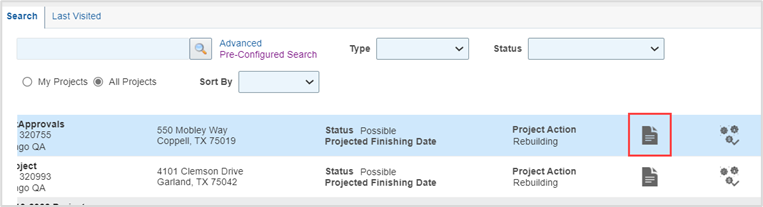
Click the radio button All Projects in the Search pane. |
| 3. |
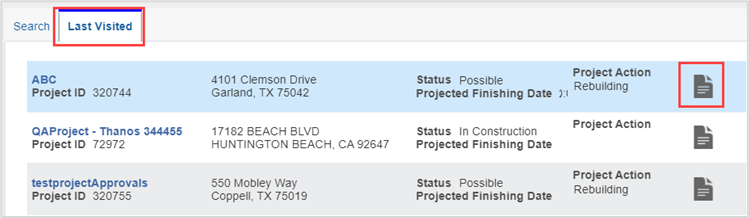
Highlight the record row, then click View. |
| 3. |
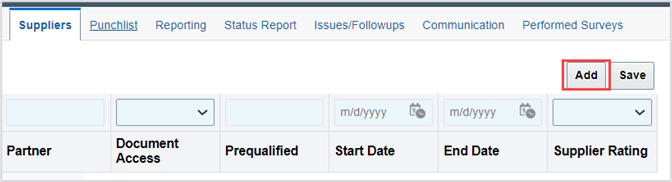
Click Suppliers tab. |
| 4. |
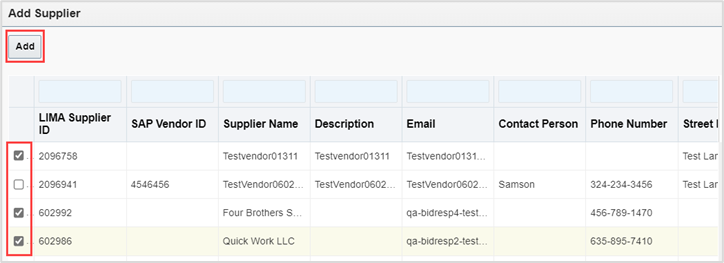
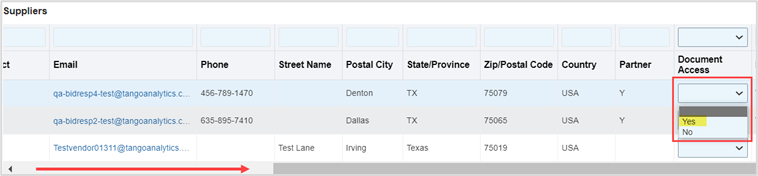
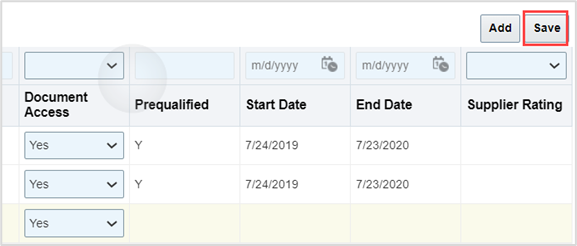
Optional: Add a vendor as follows:
|
| 5. |
The vendors can send documents via Edge. |
| 6. |
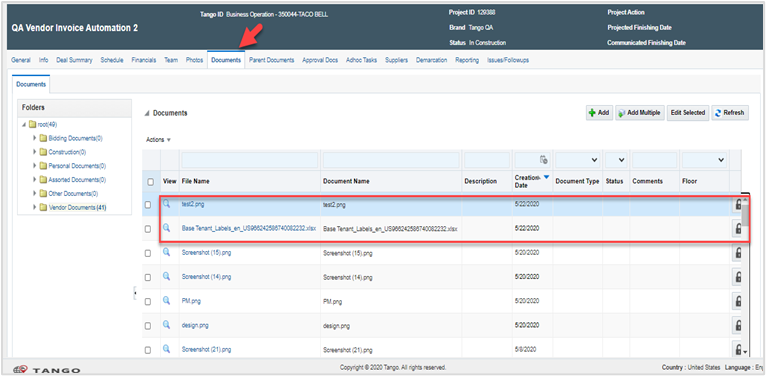
View vendor documents as follows:
|


Was this article helpful?
That’s Great!
Thank you for your feedback
Sorry! We couldn't be helpful
Thank you for your feedback
Feedback sent
We appreciate your effort and will try to fix the article