Use Visual Query to build complex database queries through a visual interface—no SQL required. This article covers the Visual Query performance improvements and enhancements scheduled for release on May 1, 2026.
Row Limits
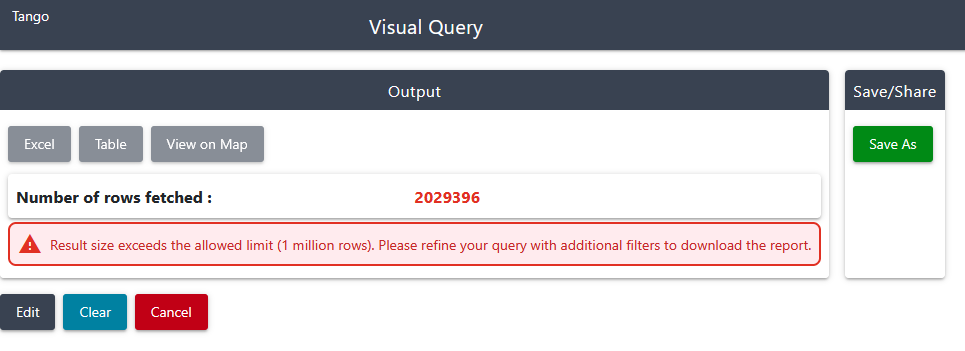
Upon submitting the query, the system will return the number of records. If the record count exceeds 1 million, it will disable the Excel download and Map view.
Real-time Spreadsheets
Excel files are now generated on demand instead of being pre-generated. While the file is being generated, purple bars will display the progress (see below).
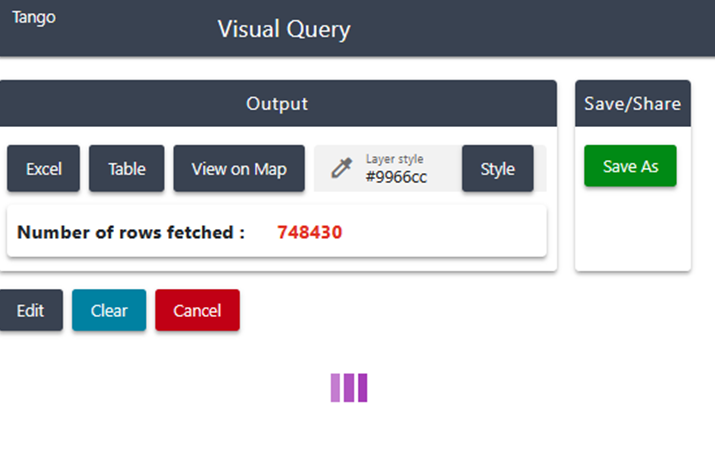
Table View
Table view and Map view have been separated into distinct views. The interaction between the two has been removed. Previously the Table view was not provided in all entities, only the Excel export was provided. Now, all entity users have Excel and the Table view.
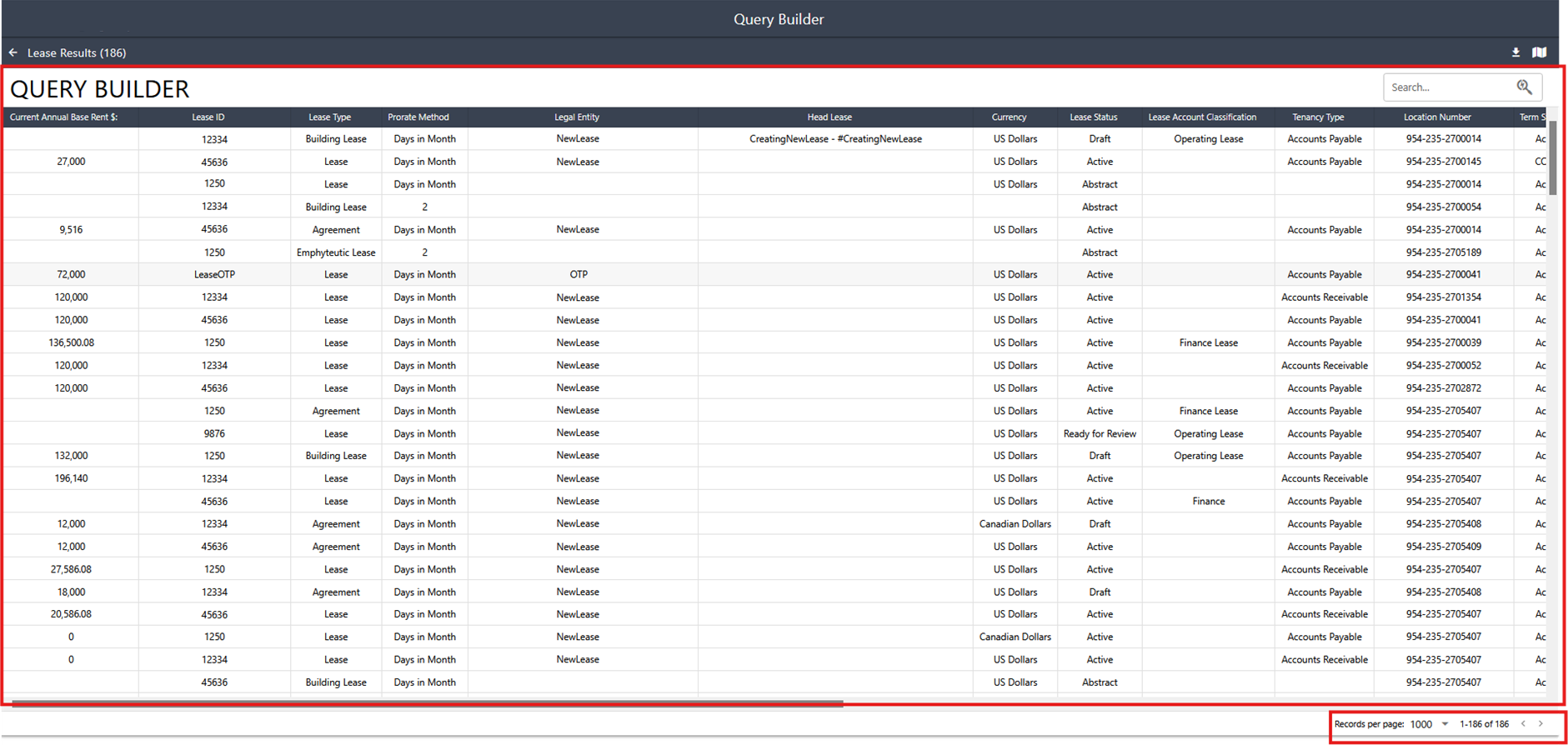
The Table view is full-page by default, with pagination in the lower-right corner. The default display is 1000 records, with options to view in increments of 500, 1000, 1500, or 2000 records per page.
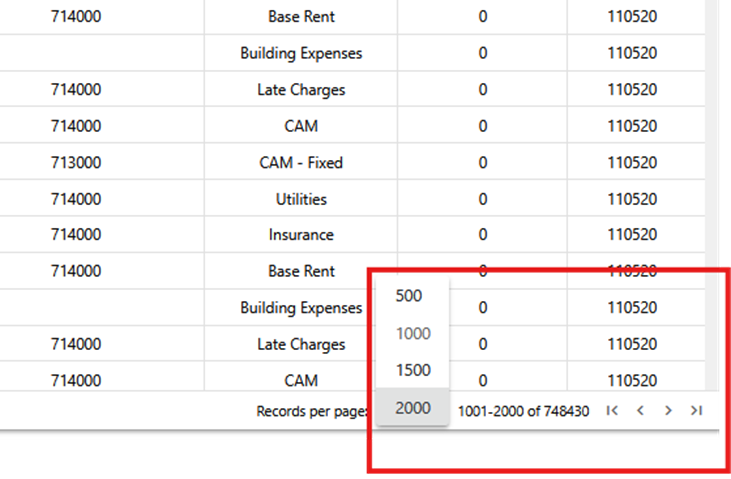
Search and filtering now apply only to records on the current page.

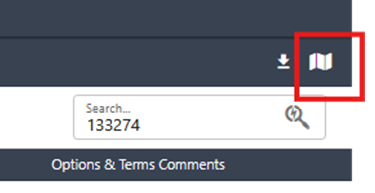
Click on the Map View icon in the upper right to navigate to Map View.
Map View
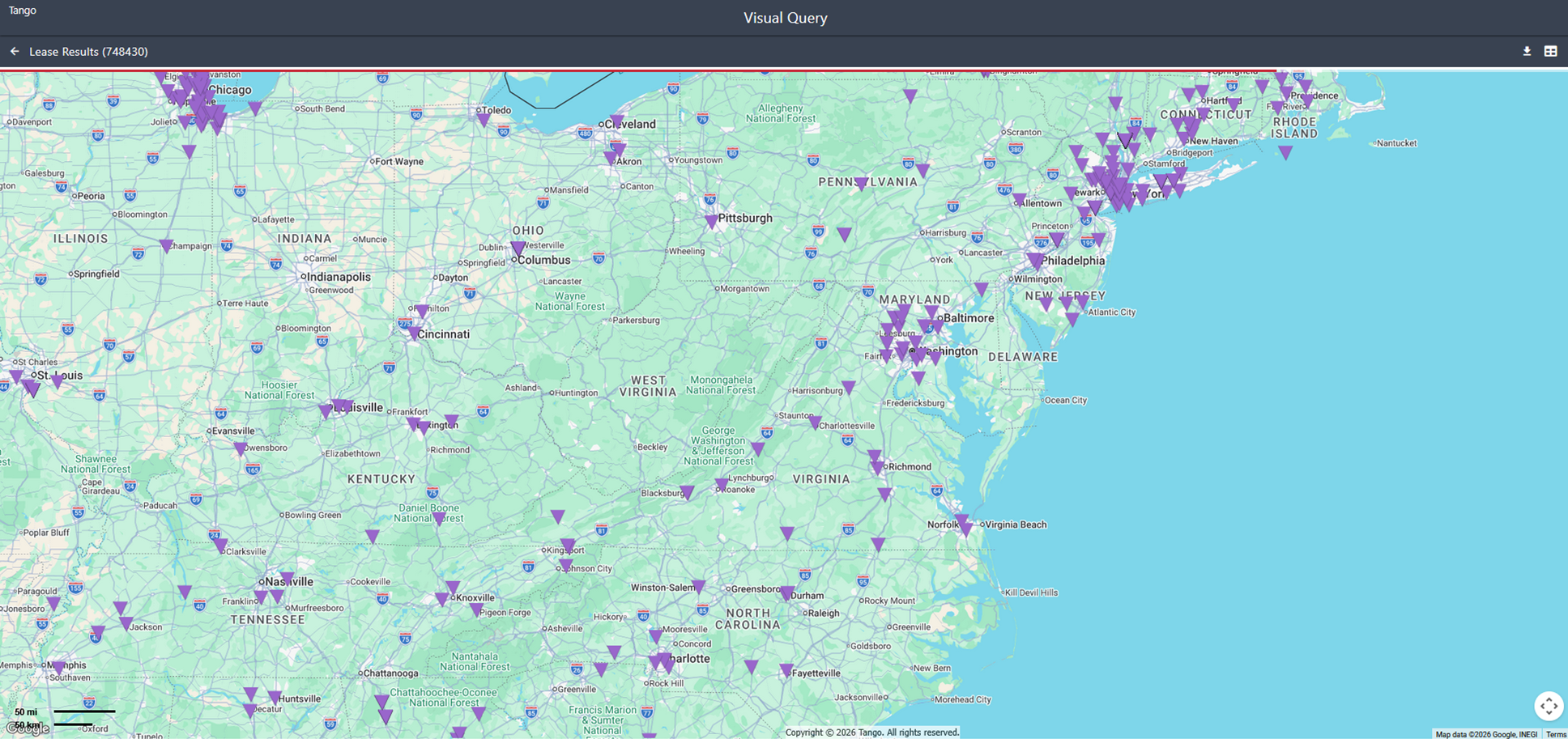
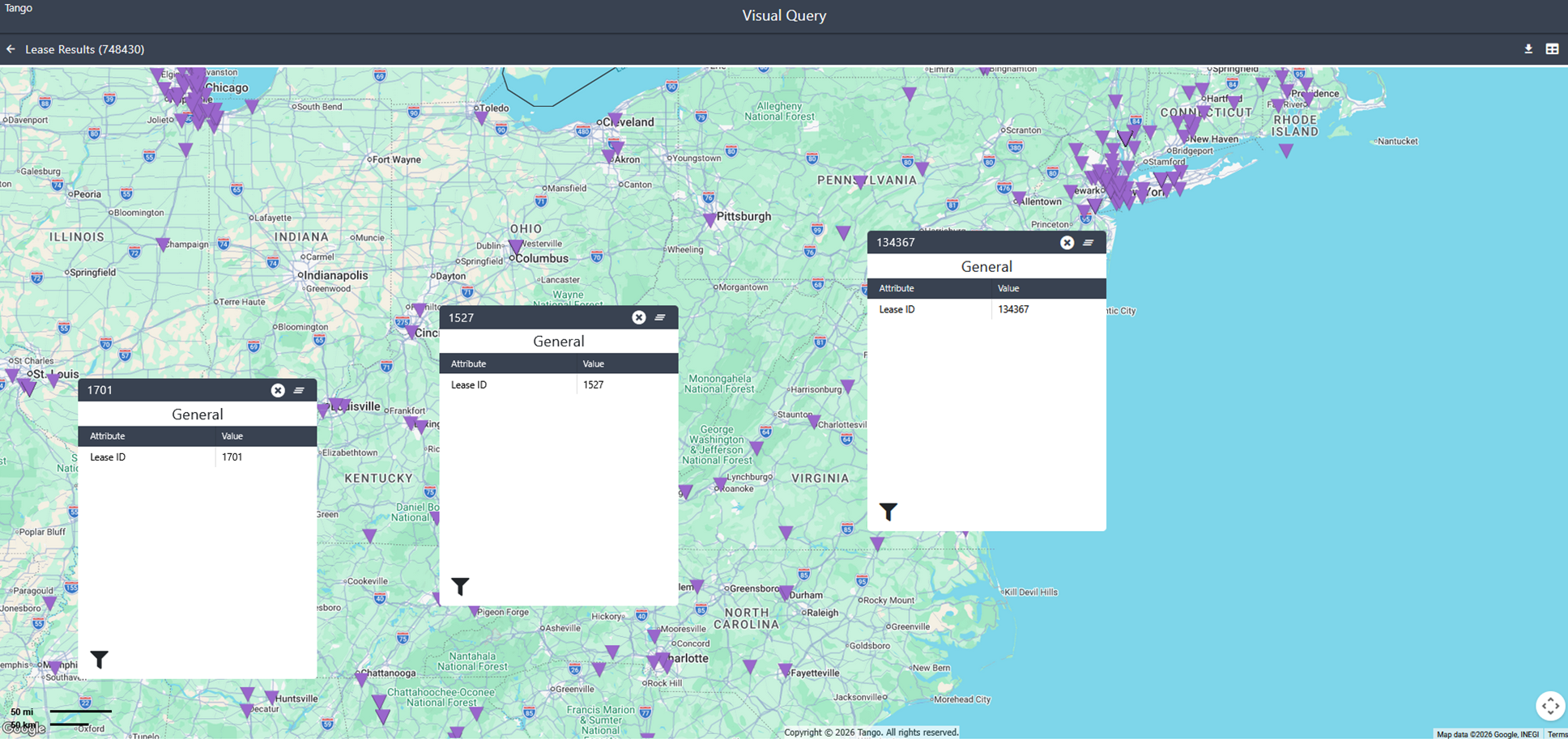
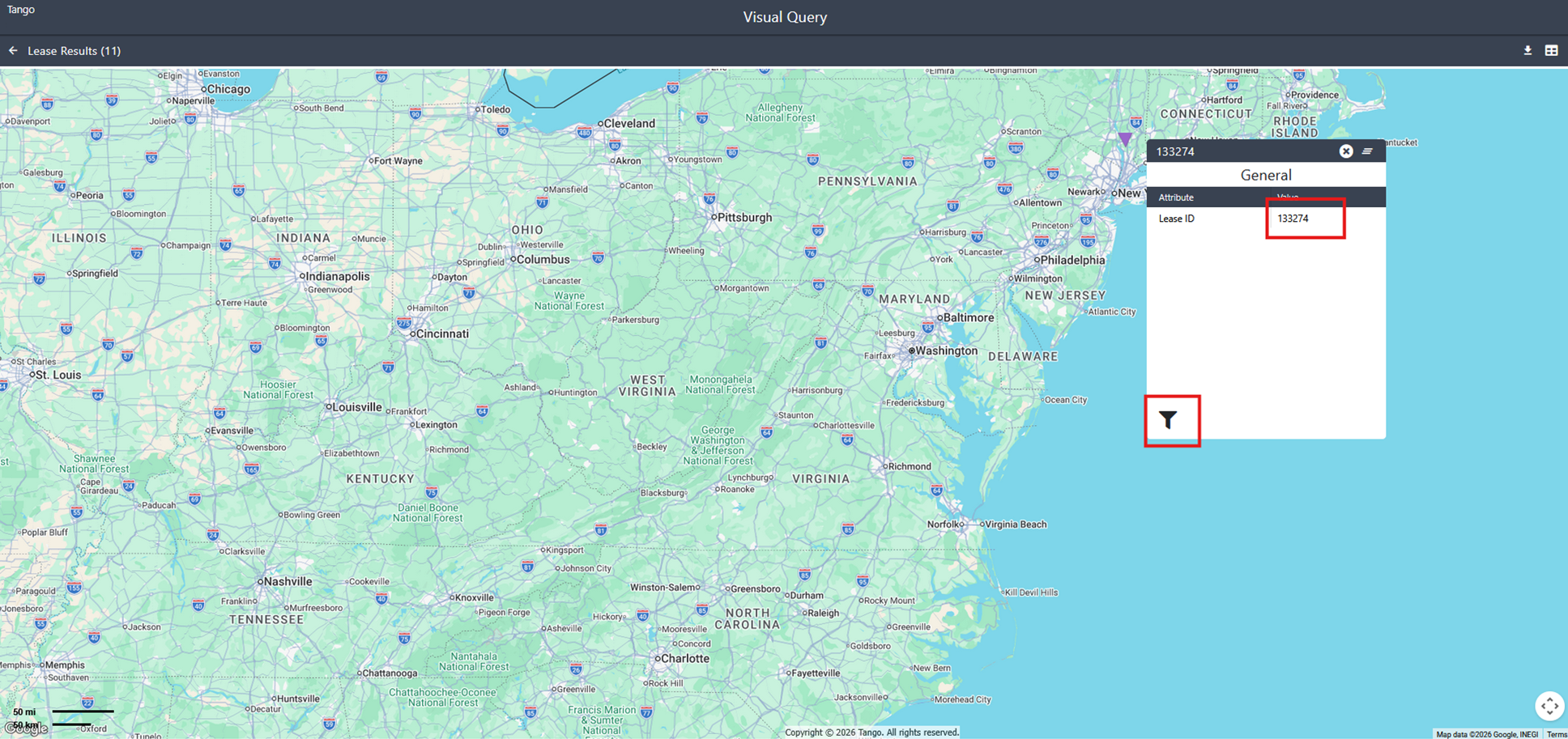
Map view and Table view have been separated into distinct views. The interaction between the two has been removed.
The Map view will display only the unique Entity locations instead of displaying them for each number of records.
Was this article helpful?
That’s Great!
Thank you for your feedback
Sorry! We couldn't be helpful
Thank you for your feedback
Feedback sent
We appreciate your effort and will try to fix the article