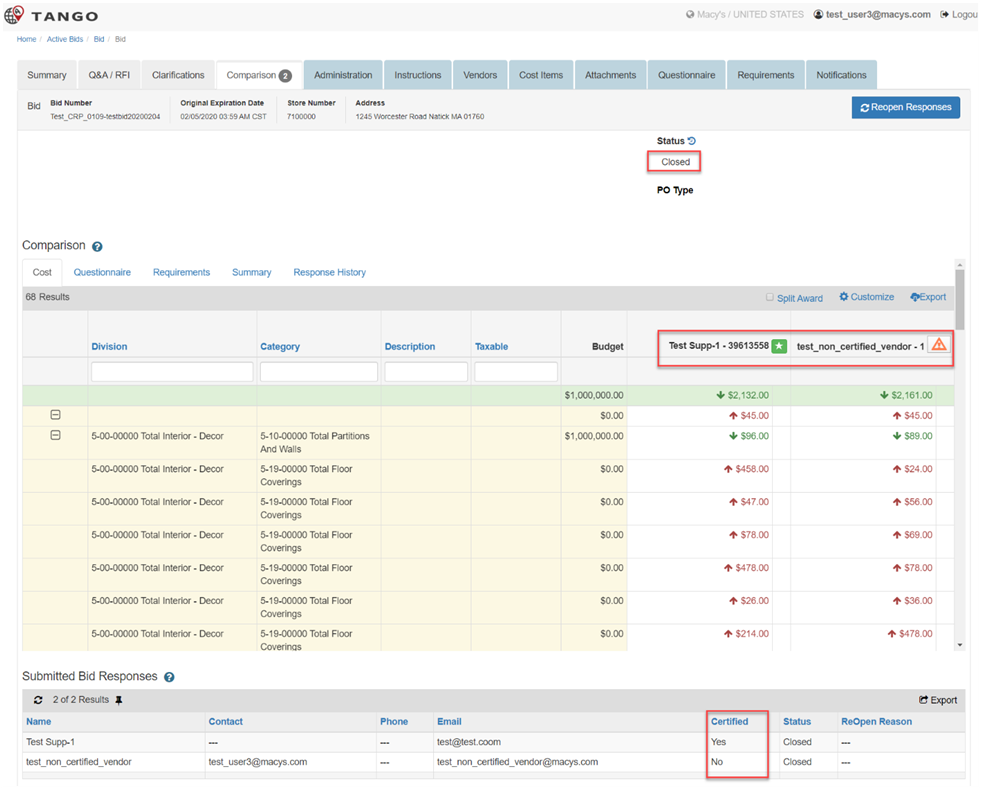
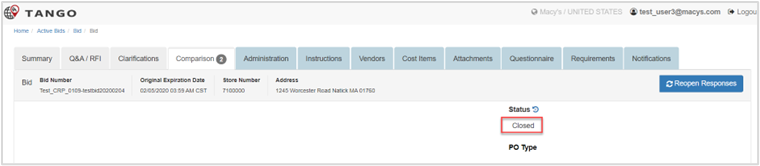
When vendors respond to a bid, it is displayed in the Comparison tab of the Active Bids tile.
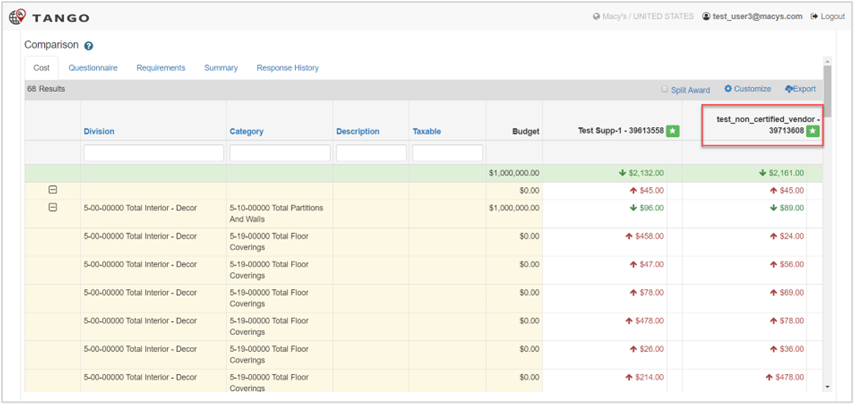
The Certified Vendor displays with the award status and the Non-Certified Vendor displays with the warning status. This section describes the steps to reconcile a Non-Certified Vendor and award the bid.
| Step | Action |
|---|---|
| 1. |
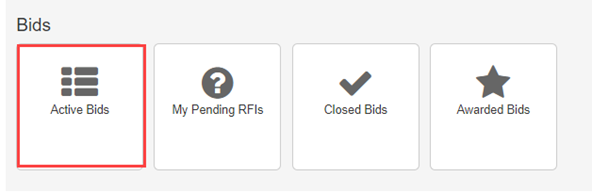
Award a bid to a Non-Certified Vendor, perform the following:
|
| 2. |
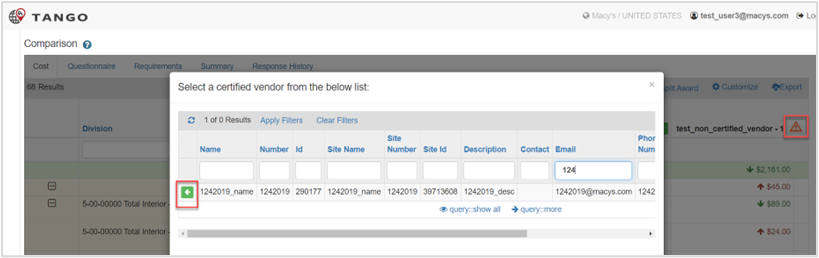
Select the green arrow on a Certified Vendor row. Note: The list displays only those vendors not set up in Edge or with an email value. |
| 3. |
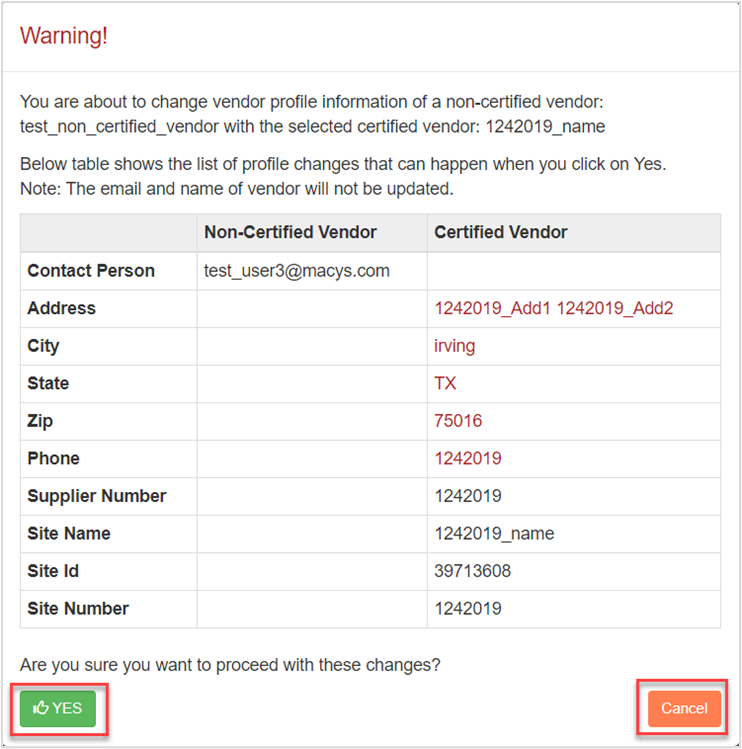
Click Yes to continue, else click Cancel and repeat steps 1-2. The Non-Certified Vendor displays as certified.
|

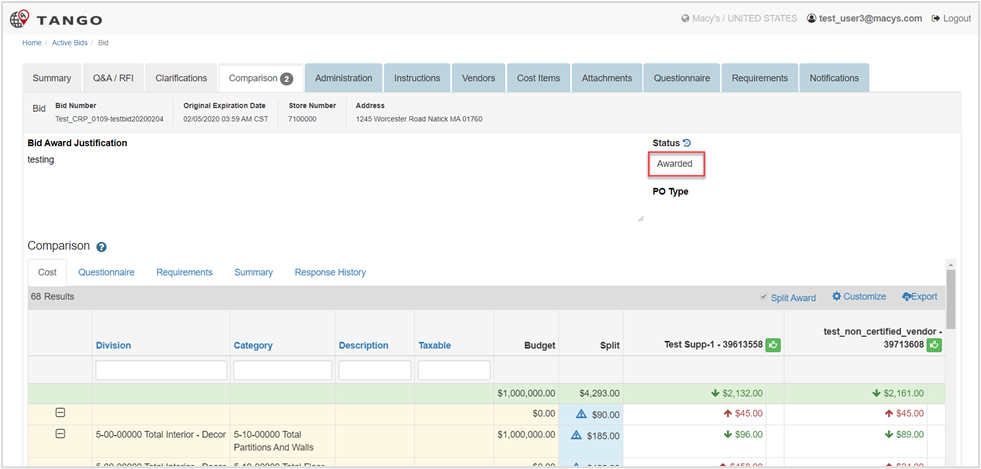
The Bid Manager can award the bid to that vendor or do a split award (if that option is enabled). 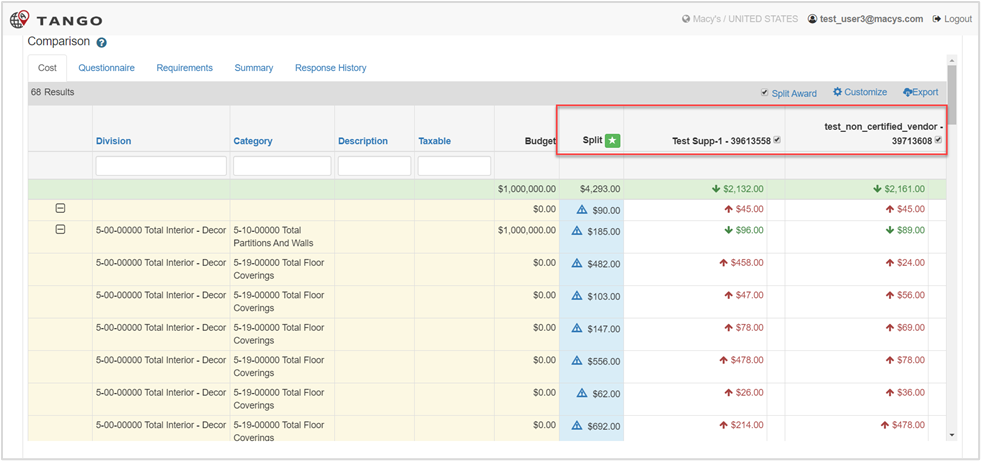
Was this article helpful?
That’s Great!
Thank you for your feedback
Sorry! We couldn't be helpful
Thank you for your feedback
Feedback sent
We appreciate your effort and will try to fix the article