Table of Contents
The Analytics module is used to perform detailed planning based on aggregated data from other locations and sites, including estimated sales for a potential location based on demographics and other considerations. The impact of a new store on the network and closed store retained sales can be understood with the Analytics module. This section provides detailed procedures for Market Optimization and Sales Forecast.
MARKET OPTIMIZATION
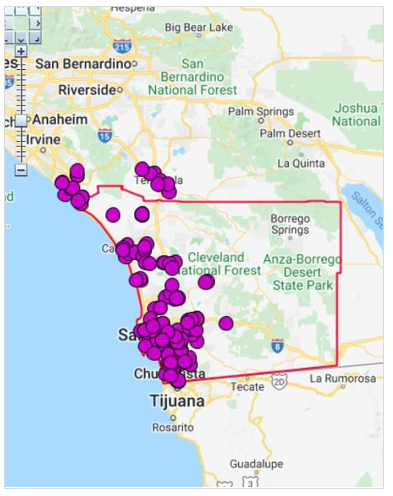
Market Optimization is the process of estimating the approximate count and locations of the highest potential sales in an area. Typical questions that can be answered are:
Considering my current locations, where should I look for new Sites (assuming different levels of cannibalization)?
If some of my current pipelines are built, how does this affect the potential?
What affect will the closing some locations have?
Are my existing locations positioned correctly? Examine the market as if NO locations were there and compare.
Decisions include:
Keep or close individual locations and sites
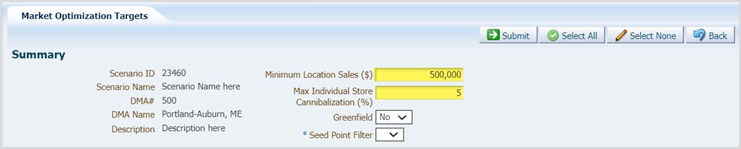
Set minimum sales levels
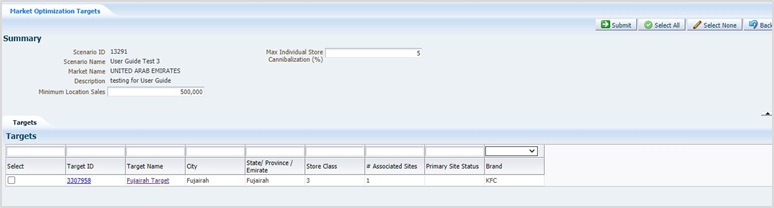
Set maximum individual store cannibalization
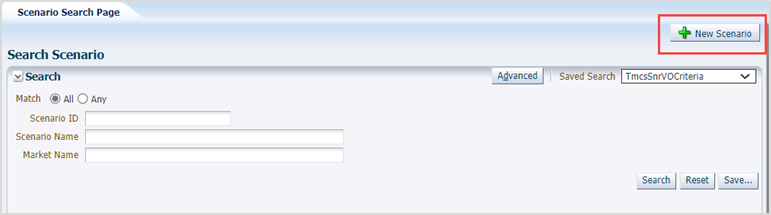
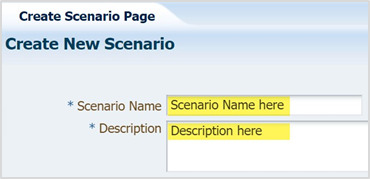
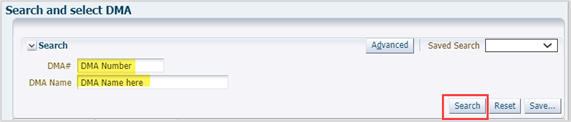
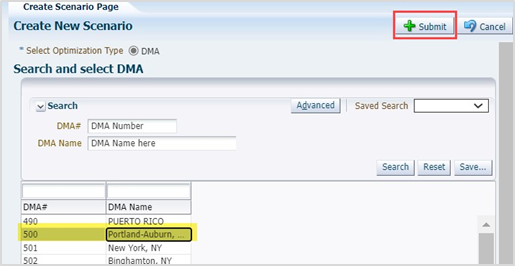
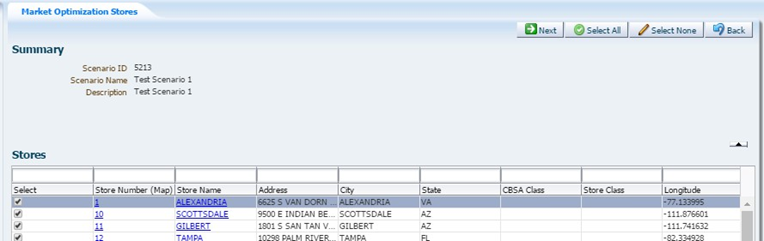
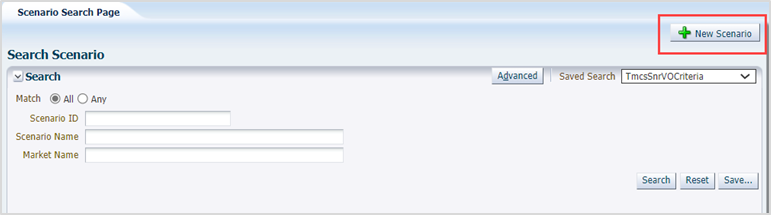
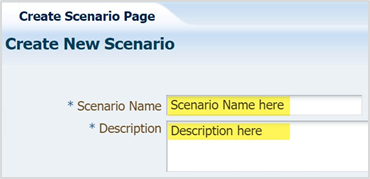
RUN MARKET OPTIMIZATION
|
|
|---|---|
|
|
|
|
|
|
|
|

|
|
|---|---|
|
|
|
|
|
|
|
|
|---|---|
|
|
|
|
|
|
|
|

|
|
|---|---|
|
|
|
|
|---|---|
|
|
|
|
|---|---|
|
|
|
|
|
|
|
|
| 13. |
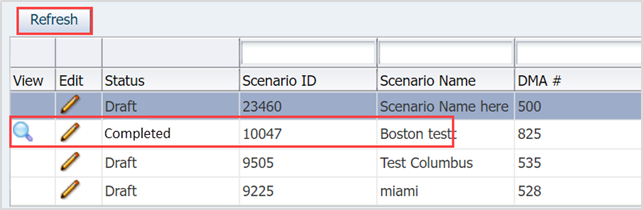
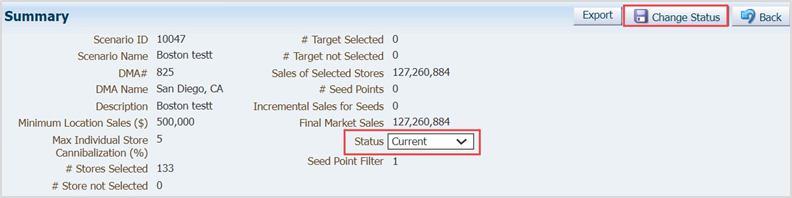
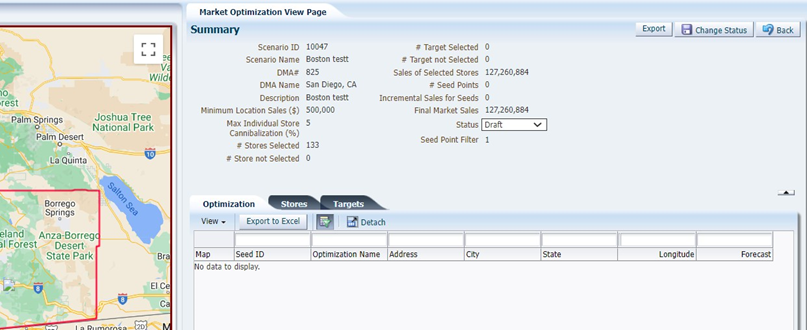
To change a Current plan to Draft, or to retire a current plan, select the magnifying glass.
The Marketing Optimization page displays.
|
| 14. |
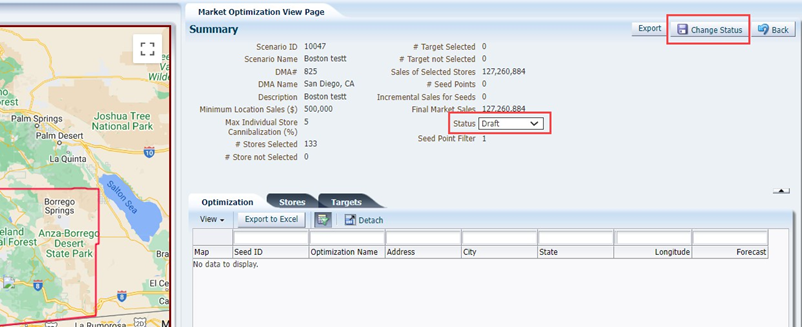
Choose a new status in the Status drop-down, then click Change Status.
|



Was this article helpful?
That’s Great!
Thank you for your feedback
Sorry! We couldn't be helpful
Thank you for your feedback
Feedback sent
We appreciate your effort and will try to fix the article